Event Venue & Layout Planning Guide
The right venue and a well-designed layout set the stage for your entire event. Learn how to select spaces and design floor plans that deliver exceptional experiences.
Venue details, room dimensions, and seating notes end up scattered across emails, PDFs, and your camera roll. Ripluo keeps every venue and layout detail with the rest of your event, so the whole plan lives in one place instead of a dozen.
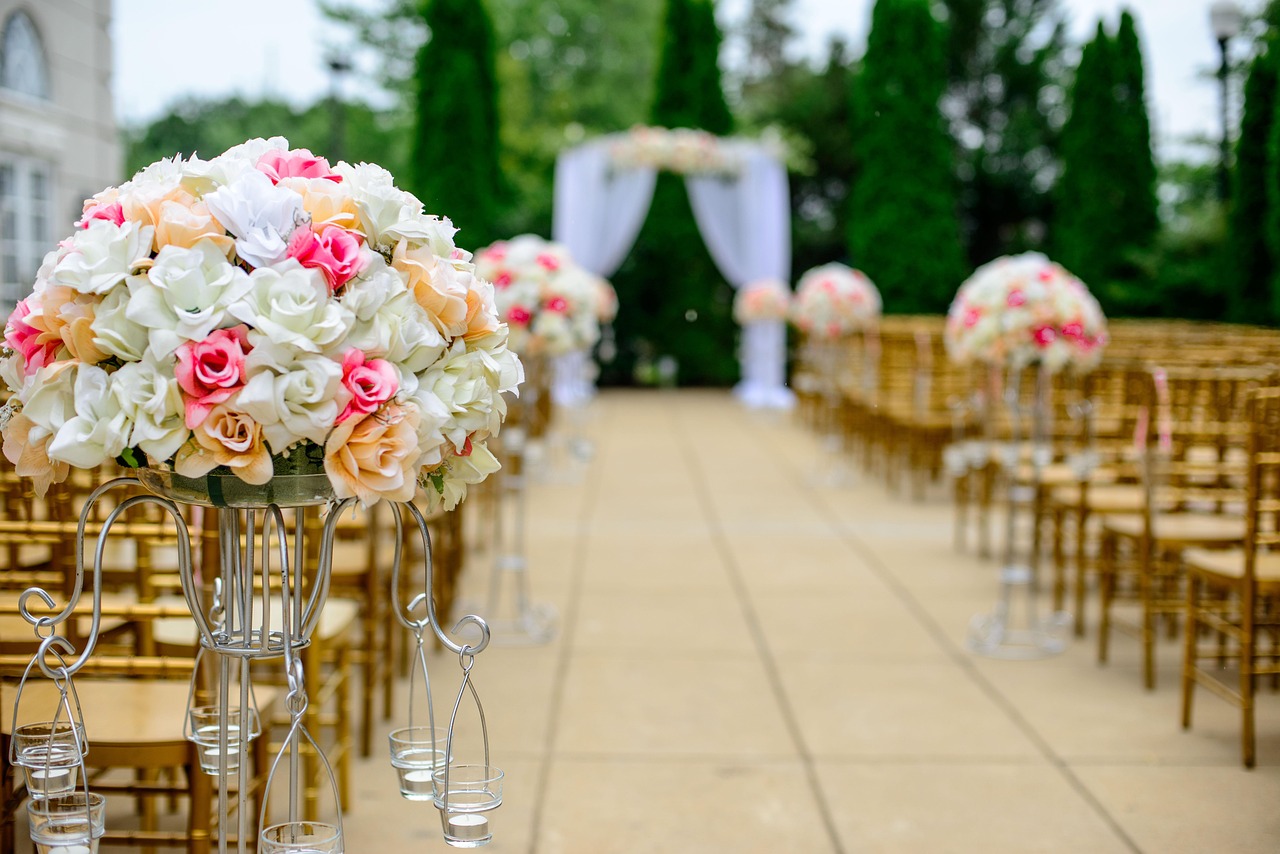
Why Venue Selection Matters
Your venue is more than just a location—it shapes the entire attendee experience. The right space enhances your event's atmosphere, while the wrong one creates obstacles that no amount of planning can fully overcome.
Location Impact
Affects attendance, travel, and first impressions
Space Determines Flow
Layout options depend on venue capabilities
Capacity Constraints
Guest count drives venue requirements
Ambiance Sets Tone
Venue style influences event atmosphere
Venue Selection Checklist
Use this checklist when evaluating potential venues:
Space & Capacity
Accessibility
Amenities
Logistics
Costs
Creating Effective Floor Plans
Start with Accurate Dimensions
Get precise venue measurements including ceiling height, door widths, and column locations. These details determine what's actually possible in the space.
Define Functional Zones
Map out distinct areas: stage/presentation, seating, networking, catering, registration, and behind-the-scenes. Each zone serves a specific purpose.
Plan Guest Flow
Consider how attendees will move through the space. Create clear pathways, avoid bottlenecks, and ensure emergency exits remain accessible.
Consider Sightlines and Sound
Ensure all guests can see presenters and that sound distributes well. Columns, low ceilings, or unusual room shapes may require special consideration.
Share with Vendors
Distribute your floor plan to caterers, A/V teams, decorators, and other vendors. Everyone should understand the space before setup day.
Common Layout Types
How Ripluo keeps your venue details in one place
Keep venue contacts, room dimensions, layout notes, and floor plans with the rest of your event instead of scattered across emails and PDFs. So the whole plan lives in one place, and everyone setting up the room works from the same details.
Start FreeLayout Software Features
Modern event planning software helps you design and share layouts effectively:
Drag-and-Drop Design
Place and arrange furniture, staging, and equipment visually
Scale and Measurements
Accurate sizing ensures your plan works in real life
Pre-built Templates
Start with common layouts and customize to your needs
Seating Assignments
Assign guests to specific tables or sections
Photo Overlays
Overlay plans on venue photos for realistic visualization
Vendor Sharing
Export and share layouts with all stakeholders
Frequently Asked Questions
What should I consider when selecting an event venue?
Key factors include: capacity (seated vs. standing), location accessibility, parking availability, A/V capabilities, catering options/restrictions, setup and breakdown times allowed, costs (including hidden fees), ambiance match with your event style, and accessibility for guests with disabilities.
How do I create an effective event floor plan?
Start with accurate venue dimensions. Map out essential elements: stage/presentation area, guest seating/standing zones, bar/catering stations, registration area, and flow paths. Consider sightlines, sound distribution, and emergency exits. Use layout software to visualize before setup day.
How far in advance should I book my venue?
For popular venues and peak dates (weekends, holidays), book 12-18 months ahead. For corporate events at hotels or conference centers, 6-12 months is typical. Smaller or off-peak events may have more flexibility, but booking early ensures you get your first choice and best rates.
What questions should I ask during a venue walkthrough?
Ask about: load-in/load-out procedures, electrical capacity, WiFi strength, preferred vendors or restrictions, what's included vs. extra charges, breakdown of fees and deposits, cancellation policies, previous event photos, and backup plans for outdoor elements.
Design Event Layouts Visually (Coming Soon)
Ripluo's layout builder will help you create floor plans with drag-and-drop tools, share with vendors, and visualize your event space before setup day. This feature is in development and coming soon.
Start Free